Web Search
With the web search feature, you can use any internet search engine directly within Listary, bypassing the need to "manually open the browser, type the URL, type the query, and w...wait for it to load."
Type a keyword, such as g for Google, or choose from other website keywords to search specific sites. Listary will even show related search suggestions as you type.
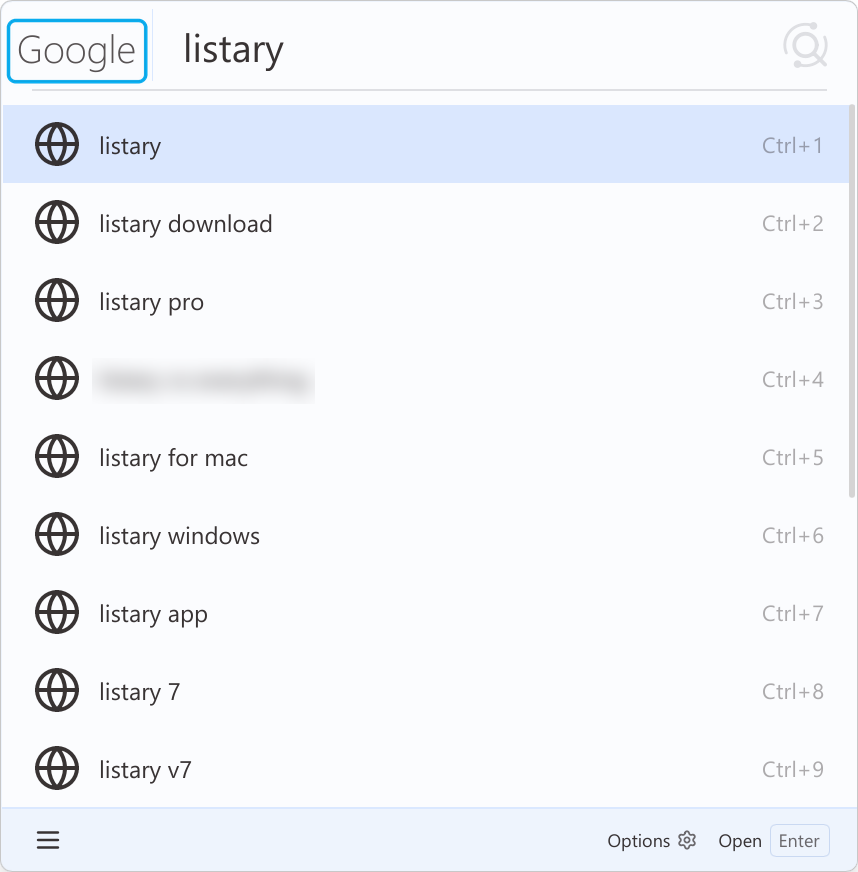
Type the "website keyword" and press the Space key to launch the web search. Enter your query and hit Enter to see results in your default browser. Listary may offer search suggestions for some search engines, helping you quickly find what you're looking for.
Listary has some built-in web search:
| Website Keyword | Website | Instructions | Notes |
|---|---|---|---|
g | Search | provides search suggestions | |
wiki | Wikipedia | Search | provides search suggestions |
so | Stack Overflow | Search | provides search suggestions |
bing | Bing | Search | provides search suggestions |
b | Baidu | Search | provides search suggestions |
gmail | Gmail | Search | |
twitter | Twitter (X) | Search | |
youtube | Youtube | Search | provides search suggestions |
maps | Google Maps | Search | provides search suggestions |
amazon | Amazon | Search | provides search suggestions |
ebay | eBay | Search | |
imdb | IMDb | Search | provides search suggestions |
facebook | Search |
To add, delete, or modify items or set hotkeys, refer to the web search.