Hotkey
For extreme efficiency, all Listary commands can be done via the keyboard. Using hotkeys, you can save time spent switching between mouse and keyboard.
Launch Listary
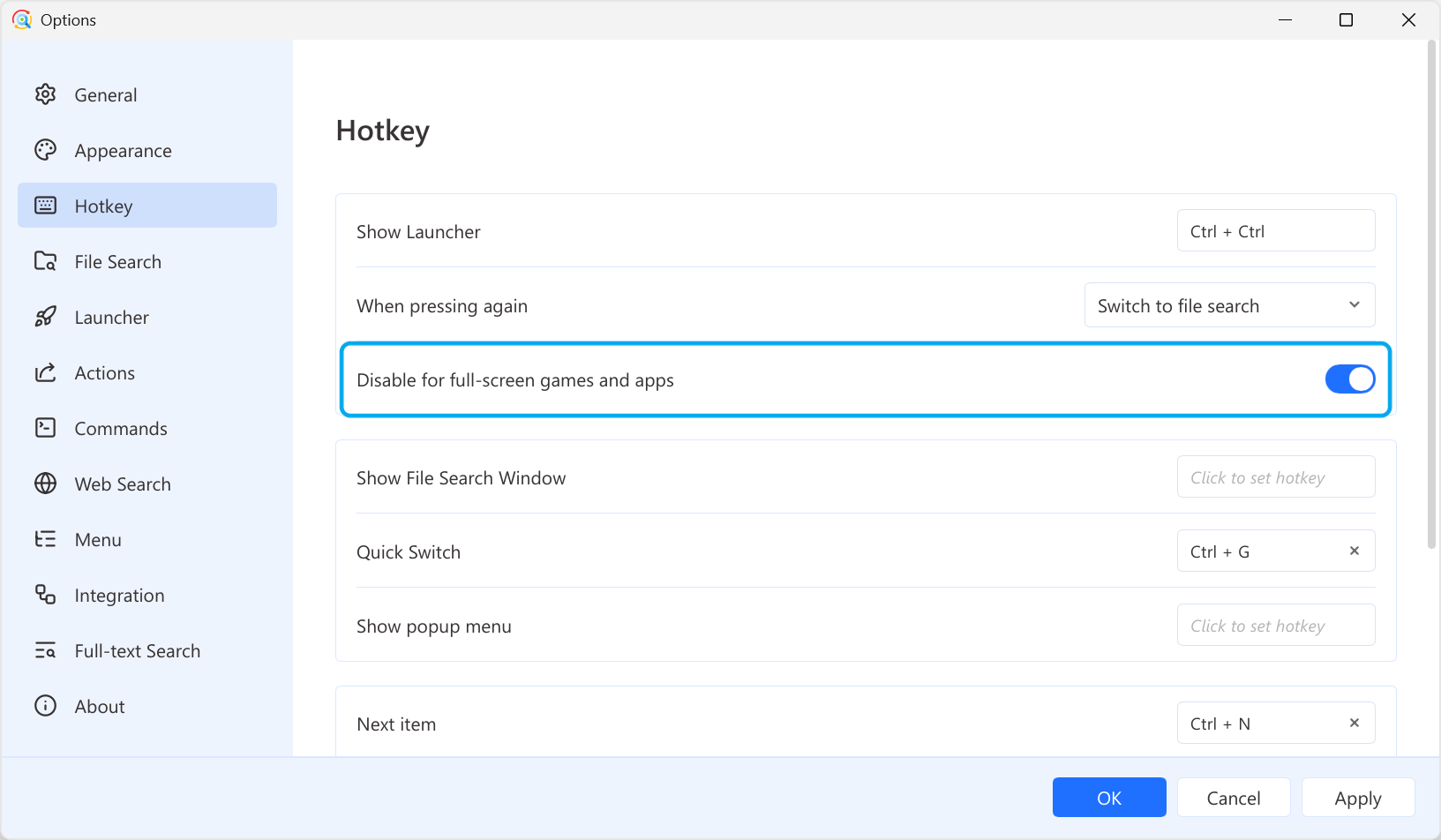
Press Ctrl twice to launch Listary. Listary's default activation hotkey prevents conflicts with most of the other apps.
You can enable the "Disable for full-screen games and apps" option, preventing accidental triggers.
Other Hotkeys
- Open file:
Enter - Open containing folder:
Ctrl+Enter - Browse up and down:
Ctrl+PandCtrl+N - Preview:
Alt+P - Use actions:
Ctrl+O
Customize Hotkeys
Right-click the Listary tray icon and go to Options -> Hotkey.